


Ever wondered if you can enjoy OnlyFans without using the regular app? A lot of folks are surprised to learn that you can do it all from your web browser. In this guide, we'll show you how to add a shortcut to your phone that gives you a secure, app-like experience. We walk you through simple steps for both Android and iOS, making sure your privacy stays intact while everything runs smoothly. Ready to simplify your OnlyFans setup?
OnlyFans App: Smooth Install & Secure Use
There isn’t an official OnlyFans app on typical app stores because of content restrictions, so you’ll need to use your web browser. This method is safe and respects the site’s adult-only policy. When you sign up, make sure to use valid details and complete the age verification required by your state.
To make the experience feel more like using a real app, you can add a shortcut to your home screen. This way, both Android and iOS users get a neat, secure subscription interface without relying on third-party apps. It’s a quick fix that keeps your privacy intact, pretty neat, right?
Android Shortcut Setup
If you’re on Android, just open Chrome and head to onlyfans.com. You might see a prompt asking if you want to add the site as a web app; simply accept it to install the shortcut that works much like a regular app.
iOS Shortcut Setup
For iOS devices, open Safari and load onlyfans.com. Tap the share button and then choose "Add to Home Screen" to create a handy quick-access link.
- Open your mobile browser (Chrome for Android or Safari for iOS).
- Visit onlyfans.com.
- Log in or register with your valid details.
- Complete the state-specific age verification.
- Access the browser’s menu for installation options.
- Select "Add to Home Screen" and confirm.
- Launch OnlyFans using your new shortcut.
Following these steps gives you a secure, app-like experience on your device while keeping control of your privacy intact. Have you ever wondered how simple it is to set up? Enjoy a streamlined experience with only a few taps!
Navigating the OnlyFans App Interface and Key Features
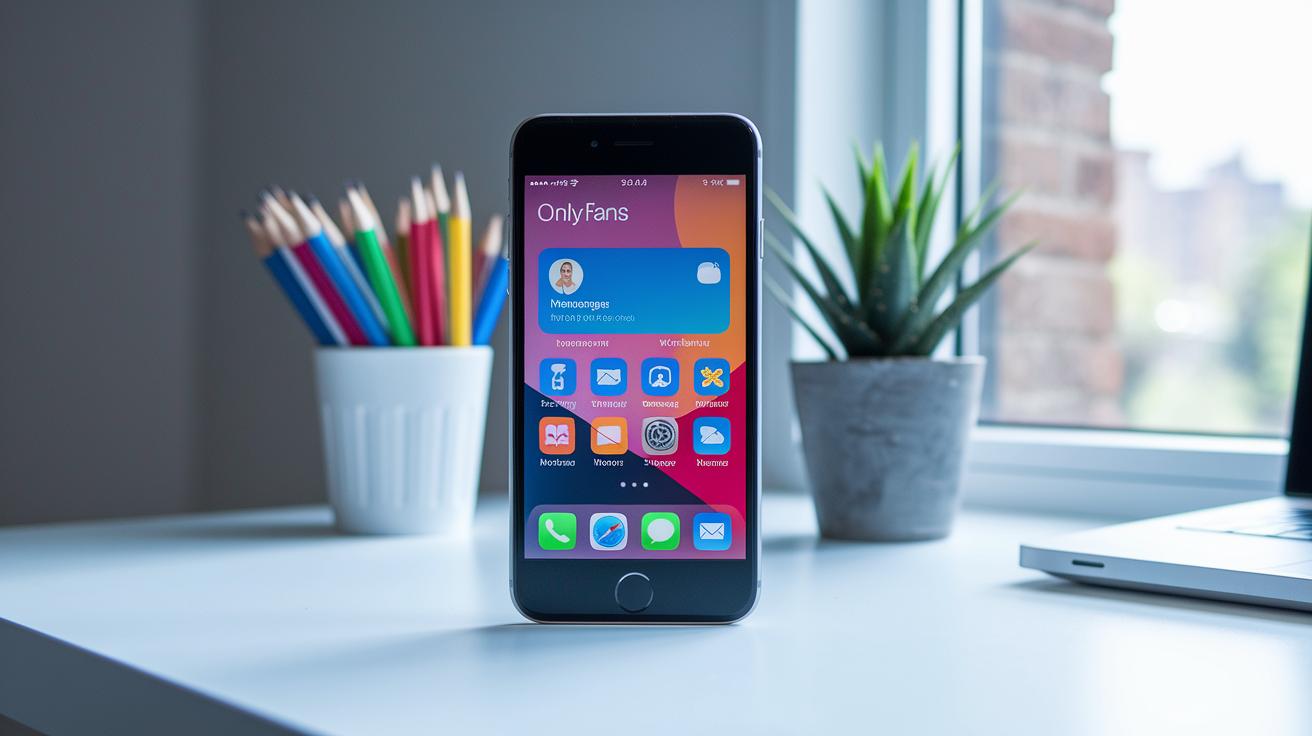
The OnlyFans web app has a friendly layout that makes it easy for anyone to find what they need. At the bottom, you'll spot a simple bar with icons for Home, Messages, Notifications, and Profile. Whether you're using a phone or tablet, this design feels natural and works smoothly, so you’re set from your very first tap.
When it comes to checking out content, you'll enjoy handy previews that give you a sneak peek. Thumbnails invite you in with free snippets, while a paywall steps in when you try to see more. This clear setup lets creators offer both free and premium posts, making the whole experience straightforward and engaging.
The messaging feature adds a personal touch that makes interactions lively. Creators can send texts, images, and even special pay-per-view links, which feels a lot like chatting with a friend. Plus, push notifications pop up to keep you in the loop about new posts, tips, and subscription updates, so you never miss a beat.
Lastly, you can make your profile truly your own. Updating your banner, tweaking your bio, and managing subscription tiers are all done right in the profile settings. With these simple tools mixed with smooth social media links and a neat digital marketplace feel, exploring OnlyFans turns into a unique and user-friendly journey.
Securing Your OnlyFans App Account and Privacy Settings
When you sign up for OnlyFans, you confirm you're 18 or older, which kicks off your account security right from the start. The platform uses safe login tricks and checks your digital identity (think of it as a quick ID check online) to build a secure base. And hey, it’s a good idea to switch on two-factor authentication using SMS codes or an authenticator app to keep unwanted access out.
Your privacy settings put you in charge of who can see your posts and how you handle tip options. In your profile controls, you can easily fine-tune who gets to view your content and make sure your payment details are locked down. These settings work together to keep your interactions safe and your personal information protected while you enjoy the platform.
| Security Feature | Description | Setup Steps |
|---|---|---|
| Two-Factor Authentication | Helps stop unwanted logins | Turn it on in account settings using SMS codes or an authenticator app |
| Privacy Settings | Decide who sees your posts and manage tip options | Adjust preferences in your profile settings |
| Secure Payment Gateway | Makes sure your transactions stay safe | Review and update your payment configurations |
| Data Privacy Measures | Keeps your personal info secure | Regularly tweak your security settings |
By checking and updating your security and privacy settings often, you'll keep your account and personal data safe while you explore OnlyFans.
Troubleshooting OnlyFans App Installation and Login Issues

Ever see a blank screen, an installation that never finishes, or hit login timeouts when you open OnlyFans on your mobile browser? You're not alone. Many folks run into these issues, and sometimes the app might not refresh properly or even freeze during busy times.
A quick fix is to clear your browser cache and make sure you’ve allowed all storage permissions. Sometimes old cookies or disabled cookie settings cause login hiccups, so check that your browser is up-to-date and that cookies are enabled. Also, try restarting your phone or switching between Wi-Fi and mobile data, it might just help things run smoother.
If you find yourself stuck in a loop of constant re-logins or account recovery issues because of old sessions, it can really help to log out completely and sign back in. This simple step clears away outdated session data and often gets things working as they should.
And if nothing seems to fix it, know that OnlyFans customer support is ready to help. Reach out via email or through the in-app help center, explain what you’re experiencing, and they’ll offer more personalized tips to get you back on track.
Maximizing Creator Earnings on the OnlyFans App
Creators can raise their income by mixing up how they charge. Try offering different subscription tiers so every fan finds a plan that suits their wallet. You can also add extra ways to earn, like charging per message or accepting tips, which helps keep your revenue fresh. It’s all about playing with pricing until you hit the sweet spot for your audience.
Planning your content smartly is key to keeping fans coming back. Think about setting a regular schedule with themed posts or behind-the-scenes looks that build excitement. A steady flow of thoughtful content not only draws in new followers but also helps your current fans feel closer to you. Consistency really pays off over time.
Connecting with your fans matters, too. Engage with them using interactive posts and personal messages that make them feel seen. Answer their comments and even use their ideas in your posts. When fans feel heard, they’re more likely to stick around and even spend a little extra on your work.
Keeping an eye on what works is super helpful. Tools like Creator Hero make it easy by showing you data on how your posts are doing. These insights can help you figure out which methods work best, so you can tweak your approach and boost your overall earnings.
Don’t forget about creative promotions. Seasonal deals, bundle offers, or even limited-time discounts can spark extra interest and bring new subscribers onboard. When you mix creative marketing with a genuine connection to your fans, you’re setting the stage for long-term success on the OnlyFans app.
OnlyFans App Updates and Future Enhancements

Back in 2020, OnlyFans rolled out OFTV, a safe-for-work streaming platform that goes beyond adult content. This jump was all about expanding choices and reaching a wider audience. They even experimented with design tweaks to make browsing smoother and more fun, showing their commitment to keeping things fresh for both longtime fans and newbies.
Recently, the spotlight has shifted to honing the web app experience. They've made subtle layout adjustments, improved loading speeds, and squashed a few bugs, especially for mobile browser users. These tweaks help create a more reliable and accessible service, even though the platform still runs without a native Apple or Google app due to strict content rules.
Looking ahead, there are hints of some exciting features on the horizon. Upcoming updates might bring integrated scheduling, dynamic content calendars, and better payment interfaces (tools that help with online transactions). These improvements aim to give creators extra tools to manage their work, all while keeping up with the latest mobile trends. For a peek at future innovations, check out future tech predictions.
Stay tuned to OnlyFans’ announcements and technical alerts; keeping an eye on official updates and community forums can really help you understand new features as they emerge, ensuring your experience stays smooth and up-to-date.
Final Words
In the action, this article walked through adding OnlyFans to your mobile home screen, exploring its intuitive navigation, and securing your account with safety options. We broke down shortcut setup for Android and iOS, covered core features like messaging and content previews, and tackled quick fixes for common issues.
The discussion also highlighted tactics to boost creator earnings and offered a sneak peek at future improvements. Enjoy your onlyfans app experience, and keep testing new features as they roll out.
FAQ
How can I download and use the OnlyFans app on my mobile device?
The OnlyFans app isn’t found on app stores. Instead, you access it via your device’s web browser (like Chrome or Safari) and add a home-screen shortcut for quick access.
Is the OnlyFans app still available for use?
The OnlyFans app isn’t available as a native app but is still fully functional through its mobile web interface, which you can use by creating a shortcut on your phone’s home screen.
Which app is used for OnlyFans?
The OnlyFans app refers to the mobile web experience rather than a native application. Users access it through their browsers by setting up a home-screen shortcut.
How do beginners make $100 a day on OnlyFans?
Beginners can aim for $100 daily by setting competitive subscription rates, sharing exclusive content, interacting with fans, and using engagement tools to build a loyal subscriber base.
What exactly is the OnlyFans app?
The OnlyFans app is a browser-based platform that offers an app-like experience. It lets users view exclusive content and interact with creators by simply adding a home-screen shortcut.