


Ever wonder if that tasty treat you love is secretly affecting your health? Calorie tracking apps are like a little nutrition coach you can carry in your pocket. They break down your meals into easy, bite-sized details so you can really see how your eating habits line up with your goals.
Logging your food might seem simple, but it turns tracking into a smart daily routine that shows you exactly where each bite fits in your plan. In this post, we’re going to explore how these apps can boost your healthy habits with clear, user-friendly insights that make managing your diet a breeze.
Calorie tracking apps Elevate Your Healthy Living
Calorie tracking apps let you watch your food choices closely, making it simpler to stick to a balanced diet and hit your weight goals. They act like a mobile nutrition coach, breaking your meals down into easy, bite-sized details. For example, one user mentioned, "I never realized how much extra sugar sneaks into my morning cereal until I started logging my meals."
These apps track calories and macronutrients (fats, proteins, and carbohydrates) so you can see real-time insights into your eating habits. With this information, people often manage their portions better and are more likely to hit their calorie targets when trying to lose weight. One person even found that after just one week, their daily snacks were nearly half of their calorie intake!
Logging your food in a structured way not only makes counting calories easier but also builds a helpful routine. Many users have noticed improved nutritional balance and boosted energy by consistently entering their meals. This smart approach turns calorie tracking from a boring chore into a practical tool for managing weight. It gives you a clear view of how each food item fits into your daily goals so you can quickly adjust if needed.
Anyone on a healthier lifestyle journey can benefit from these apps, as they simplify calorie counting and empower you with useful insights about what you eat every day.
Key Features to Compare Among Calorie Tracking Apps
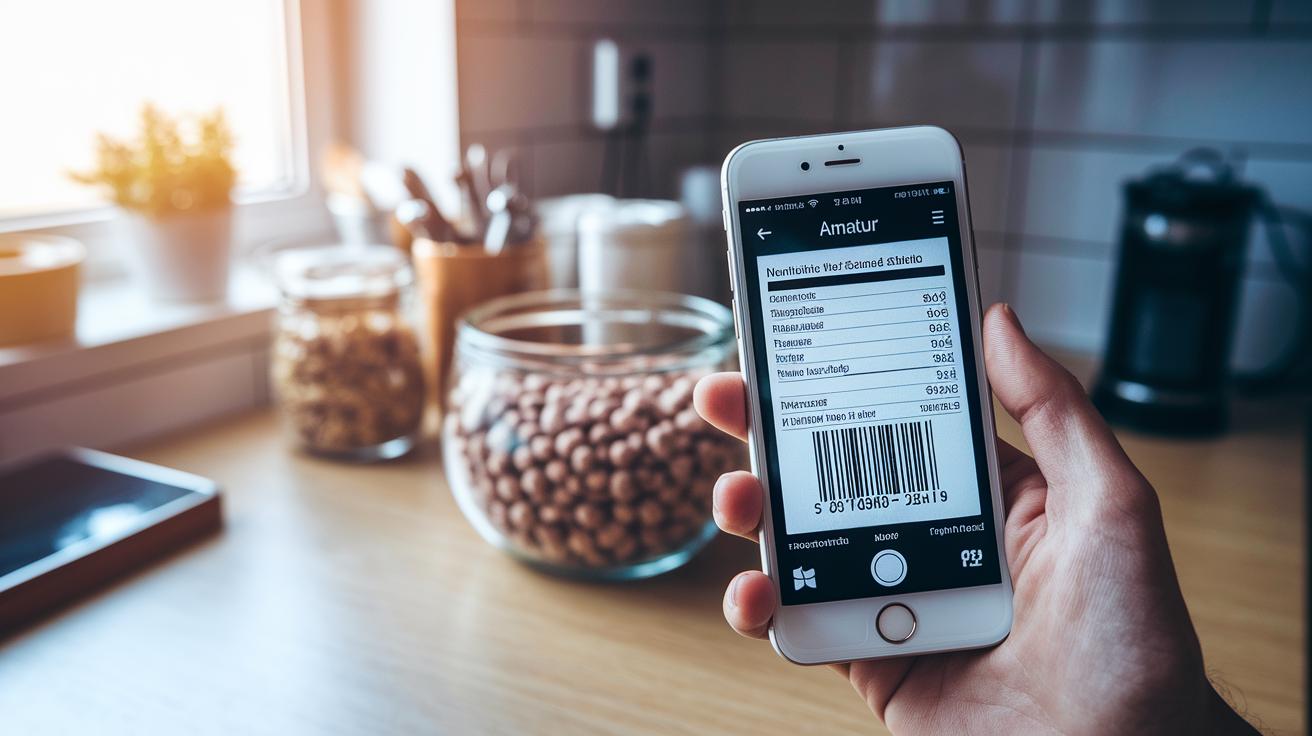
Calorie tracking apps come in many flavors, and each one has its own way of recording your meals and showing nutrition details. One cool trick they often include is using a barcode scan to pull up food details quickly. For instance, you might scan a cereal box and, in just a few seconds, see a complete list of nutrients. It’s like the app is doing your homework for you, cutting down on mistakes and saving you time.
Some apps, like MyFitnessPal, boast a giant food database with over 11 million entries. This means when you search for your snack, chances are the app will find exactly what you ate. On the other hand, Carb Manager has about 1 million foods, but it zooms in on low-carb diets. So, each app caters to different eating habits. Plus, many offer customizable tracking for proteins, fats, and carbs, kind of like picking out the perfect ingredients for your favorite home-cooked meal. WeightWatchers even adds recipe ideas as you log your foods, giving you extra help with meal planning.
Then there are advanced apps like MacroFactor. Imagine receiving a friendly nudge when your meal choices veer off track, almost like having a personal coach guiding you through your day. This mix of smart tech support and friendly advice really sets these apps apart.
Features you might want to check out include:
- Barcode scanning for fast and accurate food logging
- Huge food databases for complete tracking
- Custom macronutrient settings to meet your diet goals
- Built-in recipe suggestions for easier meal planning
- AI coaching to give you gentle reminders throughout the day
| Feature | Example App |
|---|---|
| Barcode-based food logger | MyFitnessPal, MacroFactor |
| Huge food database | MyFitnessPal (11M+ foods) |
| Custom macronutrient settings | Various Apps |
| Recipe suggestions | WeightWatchers |
| AI coaching | MacroFactor |
Choosing the best calorie tracking app really comes down to matching these features with your own daily habits and meal planning style. Think about what matters most to you, whether it’s a huge food list, customized diet settings, or a bit of friendly advice along the way.
Free vs Premium Calorie Tracking Apps: What You Get at No Cost
When you hunt for a no-cost calorie counter, you'll quickly see how apps differ in how they let you record your meals. Take Cronometer, for example, it gives you all the tools you need to log your food and browse a huge food list without ever pushing you toward a subscription. One user was surprised to learn that many free apps hide important features after just a few uses.
Then there’s Lose It!, which offers essential calorie tracking right from the start. It's made for those who just want to watch their calories without any extra charges. FatSecret makes it easy to start logging food almost immediately with only a little bit of account info, which is great if you’re cautious about sharing too much. MyNetDiary even nudges you with meal prompts to help build a steady routine, all free of charge.
Some calorie trackers keep basic functions free while holding back more advanced features for premium versions. For instance, Lifesum might lock some key options behind a paywall. So, if you're watching your spending, you'll likely appreciate apps that let you use the main features without any cost.
Here are some key points to think about:
- Daily food logging without hidden fees
- Big food databases for accurate entries
- Simple, easy-to-use interfaces
- Optional meal prompts to keep you on track
| App | Key Free Feature |
|---|---|
| Cronometer | Robust database with full logging |
| Lose It! | Essential calorie tracking |
| FatSecret | Quick setup for food logging |
| MyNetDiary | Helpful meal prompts |
Android and iPhone Calorie Tracking Apps: Platform Comparison
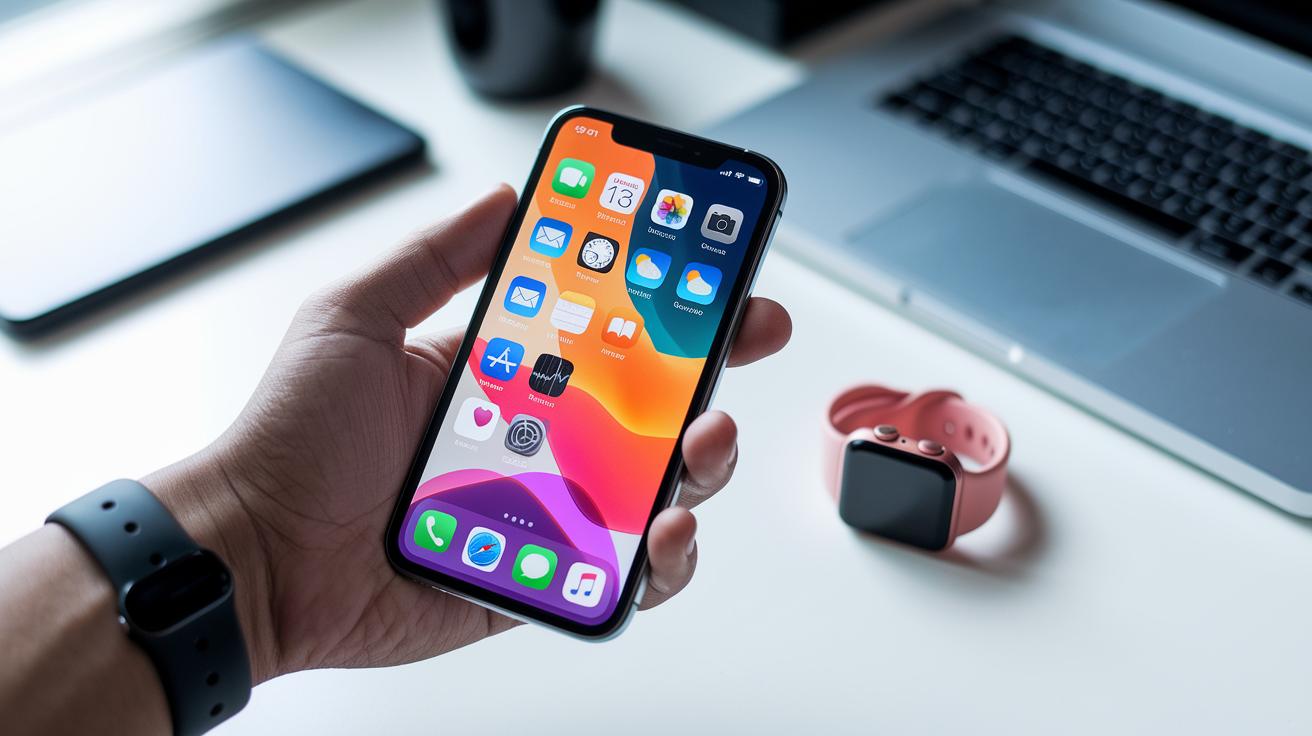
When picking a calorie tracker, it helps to know which devices the app will work with. For iPhone users, top choices like MyFitnessPal and Lifesum link up effortlessly with Apple Health. This means all your health info appears in one tidy spot. It’s really handy if you’re after an easy, free calorie app that works perfectly with your iPhone and Apple Watch.
On the flip side, Android users can count on many apps that hook directly into Google Fit. Tools such as Cronometer, MyNetDiary, and Carb Manager do a great job of tracking your food and activity. Whether you’re on a smartphone or rocking a Wear OS watch, these apps fit smoothly into your health tech setup.
At the end of the day, your device can play a big part in how natural a calorie tracker feels to use. This side-by-side look makes it clear that whether you choose an iOS food logger or an Android calorie counter free, your snug tech environment guides you toward the best way to keep track of your health and meals.
Advanced Integrations and Tools in Modern Calorie Tracking Apps
Imagine having an app that not only tracks your meals but also figures out the right calorie goal just for you. Cronometer’s TDEE integration (that’s the total daily energy expenditure, or how many calories your body burns) adjusts your calorie target as you log your food and activity. It’s like having a personal nutrition guide available 24/7.
MyFitnessPal mixes diet logs with workout details so that every bit of exercise gets counted. Then there’s MacroFactor, which steps it up even further with friendly AI coaching to give you little nudges when things seem off. One user even said it feels like having a digital health buddy who really gets your daily routine!
Plus, these apps can link up with platforms like Fitbit and Google Fit, blending your step counts and heart rate data into a complete snapshot of your well-being.
Key features include:
- Dynamic calorie goal adjustment using TDEE integration
- Seamless tracking with combined diet and workout logs
- Personalized guidance through AI coaching
- Easy syncing with Fitbit and Google Fit for full health insights
By blending these smart integrations with everyday tracking, calorie counter apps do more than just record your habits, they help you fine-tune your lifestyle in a fun and interactive way.
Choosing the Best Calorie Tracking Apps for Your Goals

When you're picking a calorie tracker, it really helps to hear from people who’ve actually used them. One user mentioned that after an update made barcode scanning faster, logging meals became much easier. It might seem like a small thing, but features like this can make tracking your food much smoother every day.
Some apps now even adjust your dietary goals as you go, which can be a real game changer. For example, Lisa once had trouble keeping up with her changing nutrition needs until her app started adapting based on her eating habits. This shows that new features can make a big difference when you’re trying to find the perfect calorie tracker for your lifestyle.
| App Name | Recent Improvement | User Scenario |
|---|---|---|
| MyFitnessPal | Enhanced barcode scanning speed | Quick meal logging for busy mornings |
| Cronometer | New auto-adjust features for dietary targets | Smooth tracking during changing workout routines |
These updates go beyond basic tracking functions. They help ensure the app you choose can keep up with your personal health journey and adapt as your needs change. In the end, a great calorie tracker is one that not only logs your meals but also grows right alongside you.
FAQs About Calorie Tracking Apps
Q: What steps can I take if my calorie tracking app shows food data that doesn’t seem right?
If you spot a mismatch, like a scanned food item showing way too many calories, start by checking the details yourself. Compare the information with standard nutritional facts, and if a scanner misreads a portion, try switching to the manual entry. It’s a bit like recalibrating your kitchen scale after a big meal.
Q: How can I fix syncing issues between my app and my smartwatch?
A quick solution is to make sure your smartwatch is running the latest firmware, and double-check your connection settings. If the syncing stops, turning Bluetooth off and on again often does the trick. One user mentioned that a fast reset brought their Apple Watch back in sync with their app perfectly.
Q: How do everyday users get more from these apps than just the basic tracking?
People have different experiences. Some appreciate a detailed nutritional breakdown, while others love an easy, friendly design. Many users discover helpful tips hidden in the app, like shortcuts for manual entries, that make logging meals even smoother. Have you ever stumbled on a hidden gem in an app?
Q: What makes adaptive macro features useful in daily life?
Adaptive features adjust your calorie counts based on your overall activity levels. Users often say this makes food logging feel more personalized, almost like having a diet coach in your pocket on busy days.
- Check your entries manually if the scanned data seems off
- Update your device firmware and reset Bluetooth to fix syncing issues
- Look into detailed user reviews for tips that might suit your habits
- See how adaptive macros change your targets as your daily activity shifts
| Tip | Action |
|---|---|
| Incorrect Data | Manually verify and adjust entries |
| Sync Issues | Update firmware and refresh Bluetooth |
| User Interface | Read detailed reviews to find your ideal setup |
| Adaptive Macros | Notice how changes in activity affect your targets |
Final Words
In the action, we walked through how calorie tracking apps support weight management and nutritional guidance. We examined the key features, compared free versus premium options, and looked at platform differences between Android and iPhone. We even touched on advanced integrations that sync well with fitness platforms. Each point aimed to provide clear insights into choosing the right tools for a balanced lifestyle. With these insights, calorie tracking apps offer a friendly way to stay connected with your health goals, sparking excitement for a balanced, informed future.
FAQ
What free calorie tracking apps are available for Android, iPhone, online use, and with barcode scanners?
Free calorie tracking apps, such as Cronometer, Lose It!, and FatSecret, offer no-cost use on Android, iPhone, online platforms, and include barcode scanning features to simplify food logging.
What are the best calorie tracking apps for managing nutrition?
The best calorie tracking apps combine expansive food databases, intuitive food logging, and features like barcode scanning and custom macros; options like MyFitnessPal, Cronometer, and MacroFactor are top choices.
Is MyFitnessPal still free to use?
MyFitnessPal remains free to use, offering a broad food database and basic tracking features at no cost, with additional premium options available for more detailed analysis.
Can I lose weight on 1200 calories per day?
Losing weight on 1200 calories per day can work for many, though results vary with metabolism and lifestyle; it’s best to consult a nutrition expert to ensure balanced and healthy intake.
How does MyNetDiary compare as a calorie counter?
MyNetDiary provides guided meal prompts and a robust food database, blending free features with premium options, making it a flexible calorie counter for users seeking targeted nutritional guidance.
Is SnapCalorie better than MyFitnessPal?
SnapCalorie may offer distinct features and a modern interface, but comparing it to MyFitnessPal depends on your personal tracking needs and device compatibility, as both have unique strengths.