


Ever wonder if you could turn your living room into your own free movie theater? Free streaming apps make it happen by letting you watch movies, TV shows, and live broadcasts without a subscription fee.
These apps bring back the fun of channel surfing with familiar grids and loads of content to choose from. In this post, we'll share our top picks that add some extra sparkle to your movie nights. You get a mix of classic favorites and the latest hits, all without any annoying sign-up hassles.
Leading Free Streaming Apps for Movies, TV Shows, and Live Broadcasts
Tubi gives you over 275,000 movies and TV shows to choose from, all without needing to sign in and with only brief ad breaks.
Pluto TV offers more than 250 live channels arranged in a grid that might remind you of the good old days, plus you can always catch on-demand movies whenever you feel like it.
Since its launch in 2023, Sling Freestream has provided about 40,000 hours of on-demand content along with 500 live channels. Imagine flipping through a familiar grid where every click brings up a channel you love, it’s that simple.
Plex stands out with 600 free live channels and over 50,000 movies and shows available all around the world. It even lets you pause and record your favorite programs, so you never miss a moment.
The Roku Channel mixes beloved classics with fresh originals that you can watch on Roku, Fire TV, or even through your web browser. Picture browsing a digital library that feels like uncovering a hidden treasure trove of films just waiting for you.
Amazon Freevee brings top films and more than 280 rotating free channels to your screen, with some channels mixing shopping with entertainment in a fun way. These apps let you dive into on-demand movies, live TV, and even sports, all without costing you a dime. With easy navigation and brief ad breaks, you can enjoy a wide variety of media whether you’re watching live events or settling in for a cozy movie night.
Comparing Free Streaming Apps: Interface, Content, and User Ratings
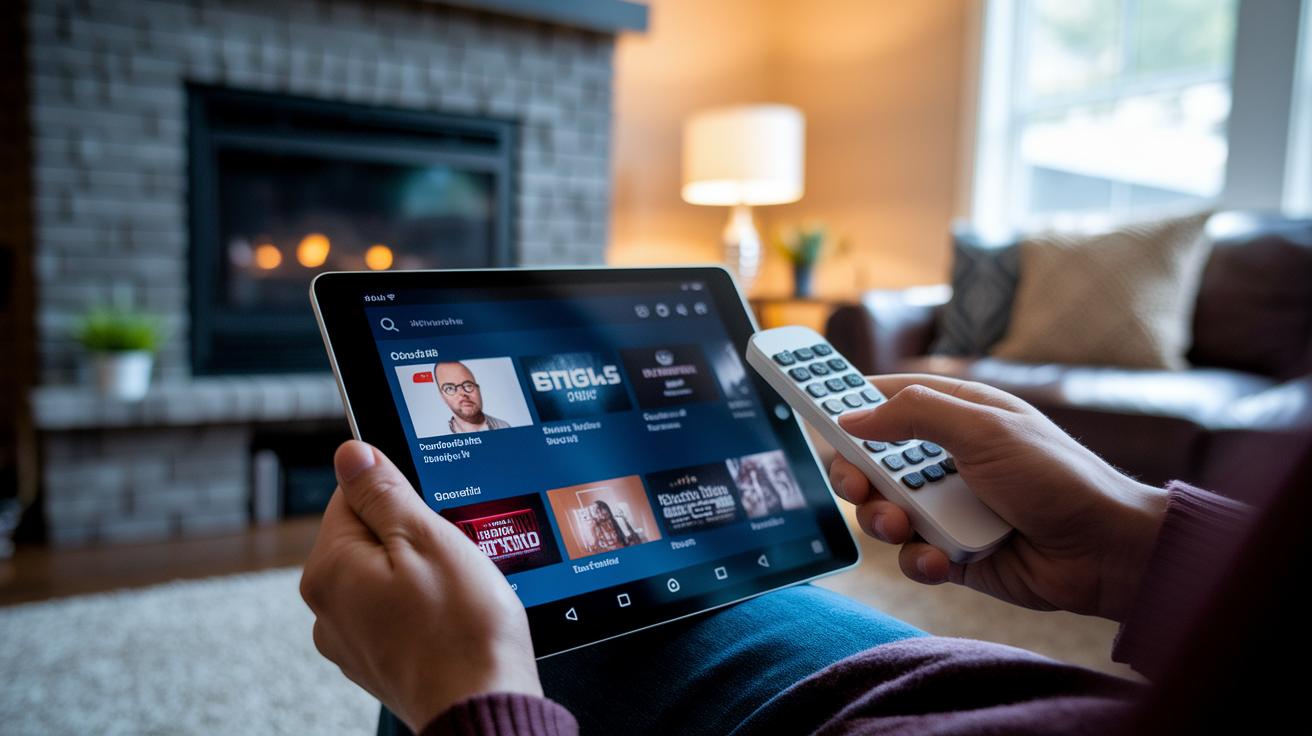
When it comes to streaming for free, we all want an app that's easy to use, packed with good content, and performs well. In our review, we looked at six top free streaming apps and compared how they feel to use, what they offer, and how stable they are.
Take Tubi, for instance. Its user interface is smooth and user-friendly, letting you quickly reach a huge library of more than 275,000 titles right from a neat home screen. Then there's Pluto TV. It brings back that old-school cable TV vibe with a grid-style channel guide, though some users on Android TV have noticed a little lag now and then.
Next up is Plex. It offers a lot of customization for managing your own media library, but setting it up might be a bit tricky if you're not super tech-savvy. Sling Freestream, on the other hand, charms with an easy-to-follow live-guide interface built on familiar tech. And Amazon Freevee gives you a clean look for its FAST channels, even if the screen sometimes feels a bit crowded with elements from Prime Video.
Lastly, Kanopy hasn't been as steady. Its interface can be wobbly, with frequent freezes and crashes, which is why it earned a low rating of 2.7 stars on the Play Store.
| App | Interface & Navigation | Library Highlights | User Rating |
|---|---|---|---|
| Tubi | Smooth and organized | 275,000+ titles | High |
| Pluto TV | Classic grid style; slight lag | 250+ live channels | Moderate |
| Plex | Highly customizable; setup can be tough | 600+ live channels & 50,000+ titles | Positive |
| Sling Freestream | Intuitive live-guide | 40,000+ hours on-demand & 500+ live channels | Good |
| Amazon Freevee | Neat FAST channels; sometimes clunky | Popular films & 280+ rotating channels | Fair |
| Kanopy | Unstable with frequent issues | Documentaries & educational content | 2.7 Stars |
Pick the app that fits your needs best, whether you're after a quick navigation experience, a diverse library, or steady app performance. Happy streaming!
Installing Free Streaming Apps Across Devices: Android, iPhone, Smart TVs, and More
Android Devices
If you're using an Android phone or tablet, open the Google Play store and type in the name of the free streaming app you want. Once you see it, tap Install, and be sure to give any permissions it asks for. Your device should have Android 8.0 or newer for the best experience. If you're installing on an Android TV or Firestick, switch on “Unknown Sources” and then load the APK directly from the official site. And remember, you'll need at least 5 Mbps for standard quality or 25 Mbps for HD streaming.
iOS Devices
iPhone and iPad users, simply open the App Store and search for your desired streaming app. When it appears, tap Install and wait a few moments as it downloads. It's best to have iOS 12.0 or later to ensure everything runs smoothly. While creating an account isn’t a must, doing so might let you save your favorites and pick up where you left off across devices.
Smart TVs & Streaming Sticks
For smart TVs or streaming sticks like Roku, Fire TV, Samsung, or LG, check out their built-in app stores. Navigate to the marketplace, look up your streaming app, and select Download or Add Channel. Often, apps like Roku or Samsung TV Plus come pre-loaded, so you might just need to open them. Also, make sure your TV's firmware is version 4.0 or later to enjoy the best streaming quality.
Game Consoles
If you're using a game console such as Xbox or PlayStation, go into the media section or visit the console store. Search for the free streaming app, install it, and then launch it from your media library. You'll find easy setup instructions that get you to your favorite shows in no time.
Ad-Supported Free Streaming Apps: Legal Guide and Viewing Experience
Ad-supported free streaming apps have come a long way from the dark days of piracy. Today, these platforms work with studios and networks to bring you movies, TV shows, and live broadcasts legally and safely.
They feature just a couple of short ads every hour, usually two or three breaks that last 15 to 30 seconds each. It’s kind of like taking a quick snack break during a movie; you get a brief pause without interrupting the fun.
These services make it clear that there are no hidden fees. Everything is upfront, so you know you’re watching legally licensed content without worry. Plus, they work hard to keep your device safe from malware and bypass any sketchy practices.
In short, if you’re after a no-cost way to enjoy a wide variety of shows and films, these apps provide a smooth, secure, and legal viewing experience every time.
Optimizing Free Streaming Apps: Tips, Aggregators, and VPN Workarounds
Even on slow days, effective tweaks can make your streaming smooth and snappy! When you're enjoying free streaming, a little know-how can really boost your viewing vibe. Take Google TV, for example. It acts like a one-stop search tool by gathering free shows and movies from Tubi, Pluto TV, and Plex, imagine having your own personal media lounge where everything's just a click away.
Some devices even come pre-loaded with free apps. On many smart TVs or streaming sticks, you'll find apps like Samsung TV Plus and The Roku Channel waiting for you right out of the box. This means you can dive right into your favorite content without any extra fuss, whether you're using a TV, a streaming stick, or even your phone.
If you’re looking to catch regional shows not normally available in your area, VPNs such as NordVPN, ExpressVPN, or Private Internet Access can be real game changers. These handy tools let you bypass regional restrictions so you can watch content designed for U.S. viewers. Plus, tweaking video quality settings to match your internet speed helps keep buffering at bay. And if you like watching on different devices, built-in watchlists and home-screen shortcuts can help you keep track of your must-see titles without juggling multiple accounts.
Final Words
In the action, we covered top no-cost solutions that combine a mix of movies, TV shows, and live broadcasts. We broke down how each platform stands out with user-friendly interfaces, installation across multiple devices, and safe, ad-supported viewing.
This discussion highlights the benefits of free streaming apps, from navigating fast catalogs to accessing extra features like VPN workarounds. Enjoy exploring these services and keep your viewing experience fresh and engaging.
FAQ
What are some top free streaming apps for Android and TV?
Free streaming apps for Android and TV provide no-cost content libraries with minimal ads. Options like TubiTV, Pluto TV, and Plex let you watch movies and TV shows without needing a subscription.
How can I access free streaming apps for music, kids’ shows, and NFL content?
Free streaming apps cover various content needs. For music, kids, and NFL fans, targeted apps offer ad-supported access, broad catalogs, and easy navigation to suit different viewer interests.
What is considered the best free live streaming app or free streaming service overall?
The best free live streaming app depends on personal taste. Platforms like Pluto TV offer extensive live channels, while Plex combines live TV with on-demand movies, giving viewers several no-cost options.
How do I find and install hidden free APK streaming apps?
Finding hidden free apps involves browsing reputable sites or trusted app stores. For APKs, enable installation from unknown sources in your Android settings and download only from verified websites for safety.
What free apps include popular platforms such as Plex, TubiTV, Kodi, VLC, and PotPlayer?
Apps like Plex, TubiTV, Kodi, VLC, and PotPlayer offer a variety of streaming features—from live channels to on-demand movies—and provide legal, ad-supported viewing options on multiple devices.