


Ever get a little brain teaser in your pocket? The Wordle app turns your phone into a fun word scramble game that grabs you in just seconds.
This simple five-letter puzzle has sparked plenty of friendly chats and lighthearted competitions among players. Even though it isn’t a native mobile app, you can add it to your home screen, so it feels just like one.
Curious how this clever little game can slip into your busy routine? It’s a playful way to kick off your day no matter where you are.
Official and Alternative Wordle App Options
Wordle first hit the scene in October 2021 as a free, daily word puzzle played on a simple grid of 6 rows and 5 columns. Imagine kicking off your morning with a quick five-letter challenge that everyone seems to be talking about! The game really took off when it added a Share feature in mid-December 2021, drawing even more puzzle fans into the fun.
There isn’t an official mobile app for Android or iOS, Wordle is played right in your web browser. This setup means you can easily jump into the challenge from any device by simply heading to the website. For example, you can open your mobile browser, tap a couple of icons, and you’re instantly ready for your daily puzzle.
If you’re craving a bit more variety than just one puzzle a day, check out WordPlay. This alternative gives you unlimited puzzles in three different modes: the daily 5-letter challenge, the classic 5-letter puzzles, and even 6-letter puzzles. New challenges roll out at midnight ET, so there’s always something fresh waiting for you. Plus, WordPlay lets you create custom puzzles, join tournaments, and even set up a user account to track your progress and tweak settings to your liking. It’s a great option for anyone who wants a flexible, engaging word puzzle experience on the go.
How to Download the Wordle App on iPhone and Android
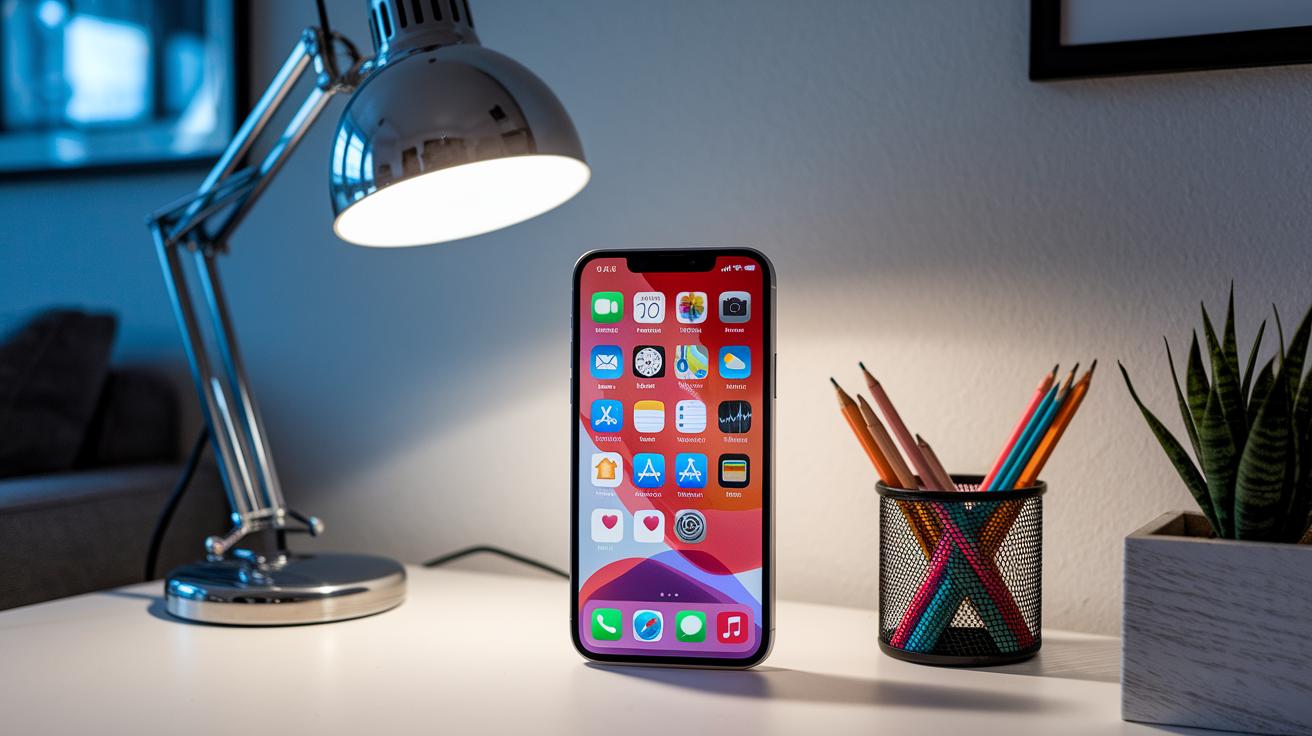
Want Wordle to feel like it’s part of your phone? It’s simple! By adding the web game to your home screen, you get the look and feel of a native app, plus the freedom to play offline whenever you like.
For iPhone users:
- Open Safari and head over to wordle.games.
- Tap the share icon at the bottom.
- Choose “Add to Home Screen.”
- Think of it like making a shortcut that launches your daily puzzle right away.
For Android users:
- Launch Chrome and navigate to wordle.games.
- Tap the three-dot menu in the top-right.
- Select “Add to Home Screen.”
- It’s like setting up a quick door to your favorite game every time you unlock your phone.
After you’ve added it, just tap the bar chart icon to sign in or create a free account. This step keeps your progress and streaks synced across devices, so you never miss a beat. Enjoy your puzzle adventure with the ease of a native app experience, right from your home screen!
Wordle App Features: Gameplay Modes, Interface, and Updates
Wordle’s look feels fresh and fun, keeping things simple while still packing a punch. Every midnight ET, a new challenge with a 5-letter word pops up on a clear grid with six rows. As you type in your guesses, the screen lights up in different colors to show which letters match perfectly and which are close, a bit like seeing a secret message come to life.
Platforms like WordPlay build on this charm by offering extra ways to play. You can dive into an endless mode where the classic 5-letter challenge never stops, or try out a 6-letter version that shakes things up a bit.
The game also brings a sense of community into play. With options to join custom challenges, compete in tournaments, and keep track of your progress, there’s always something new to explore. Plus, modern puzzle apps like these make sure that navigation stays smooth and updates come regularly, so everything feels just right every time you play.
Mastering the Wordle App: Tips, Strategies, and Solver Tools

Getting off on the right foot can make all the difference when you play. Experts suggest kicking things off with a word that has at least two different vowels, think ARISE, and mixing in common consonants like S, T, R, or N. That colorful grid feedback from your first guess serves as a helpful map, pointing you to the letters and spots that might work best next.
Some game versions even include handy hints and solver tools to boost your gameplay. If you're curious about trying these features, here are a few ideas:
- Check out on-demand hints that give you a peek at the correct letter positions.
- Try solver tools that sort possible words based on how often letters show up and where they belong.
- Keep an eye on patterns in the shared grid to fine-tune your next guess.
These tips and tools can turn your daily puzzle into an exciting mix of logic and playful discovery, keeping your strategy both fresh and effective.
User Reviews and Ratings for Wordle App Alternatives
When players share their thoughts, it really shapes which word games become favorites. Reviews and ratings from actual users give us a peek into what works well and what might need a little polishing. Check out the summary below for insights on the Official Web Version, WordPlay, and a popular clone from another source.
| Option | Rating | Pros & Cons |
|---|---|---|
| Official Web Version | 4.5/5 | Pros: free, official; Cons: one daily puzzle |
| WordPlay | 4.2/5 | Pros: unlimited modes, sync; Cons: non-official branding |
| Third-party Clone | 3.8/5 | Pros: app store install; Cons: ads, glitches |
Features like social sharing and leaderboards make it easy to connect and compete, adding to the fun. Fans of WordPlay love the different puzzle styles and the smooth way the game keeps their progress. On the other hand, some users of third-party clones mention that ads and glitches put a damper on the experience. Overall, these honest reviews help each platform fine-tune its offerings for word puzzle fans, making sure that the experience stays exciting and engaging.
By weighing these ratings along with the pros and cons, you can easily find the platform that best fits your style. It’s all about making the daily puzzle experience as fun and personalized as possible.
Comparing Wordle App Options: Official Web Version vs Alternatives

The official Wordle blends right into the New York Times system. You can sign in with your NYT account and track your shares automatically. It only offers one puzzle a day, which many people like because it sets a nice, steady pace. Still, a few players feel a bit restricted by just one challenge. One person shared, "Playing once a day keeps the excitement, but I sometimes crave more activity."
On the flip side, alternative sites like WordPlay let you play as many puzzles as you want. They offer various gameplay options such as custom challenges and interactive stats pages that show you detailed performance numbers. One user remarked, "The stats dashboard makes every win feel like a personal victory, as if I have a mini coach cheering me on!"
Some third-party clones provide basic offline play with ads and simpler performance metrics. These are usually fine for a laid-back, casual game, but they might not be the best bet if you care about in-depth tracking of your progress.
| Feature | Official NYT Version | Alternative Platforms | Third-party Clones |
|---|---|---|---|
| Platform Integration | Direct NYT integration | Standalone operation | Ad-supported, minimal integration |
| Puzzle Limit | One puzzle per day | Unlimited puzzles | Varies, generally more limited |
| Gameplay Modes | Single challenge daily | Multiple modes and custom challenges | Basic offline play |
| Performance Metrics | Built-in share tracking | Interactive stats dashboard | Minimal analytics |
Final Words
In the action, we looked at official and alternative Wordle app options, covering daily challenges, mobile download steps, engaging interfaces, practical gameplay tips, and user reviews. These insights guide your exploration of the puzzle experience across various platforms.
We broke down how to add this digital challenge to your home screen and compared standout features, offering a clear view of your choices. Keep enjoying the wordle app and stay curious about what’s next!
FAQ
What is Wordle and is it free?
The game Wordle is a free daily word puzzle played on a 6×5 grid that offers a unique challenge each day with color-coded hints and a share feature to show off your results.
How do you install the Wordle app on iPhone and Android?
The mobile installation process for Wordle starts in your browser—Safari for iPhone and Chrome for Android—by navigating to wordle.games and choosing “Add to Home Screen” to mimic an app-like experience.
Is there an official Wordle mobile app?
The official Wordle is not available through app stores; it exists as a browser-based game that you can install on your home screen for app-like convenience.
What are some popular Wordle-inspired apps?
Popular alternatives like WordPlay extend the Wordle experience by offering extra puzzles, multiple game modes, custom challenges, and tournament options, giving you more ways to enjoy word puzzles.
How do Wordle app alternatives enhance gameplay?
Wordle-inspired alternatives enhance gameplay by providing various modes, the chance to play multiple puzzles daily, and features like user accounts and tournaments to keep the word challenge exciting.
What gameplay modes are available in Wordle and its alternatives?
The classic Wordle gives you one 5-letter challenge per day with six guesses, while alternatives may include options for extra puzzles, extended word lengths, and custom challenges for more variety.
How can I boost my performance in Wordle?
Boosting your performance in Wordle starts with a guess word that covers two different vowels and common consonants, then using the color cues from your guess to guide your next moves.
What do users say about the official Wordle versus its alternatives?
Users praise the official Wordle for its simple, daily challenge while noting that alternatives offer extra puzzles, multiple modes, and additional features, though some may include ads or have non-official branding.